


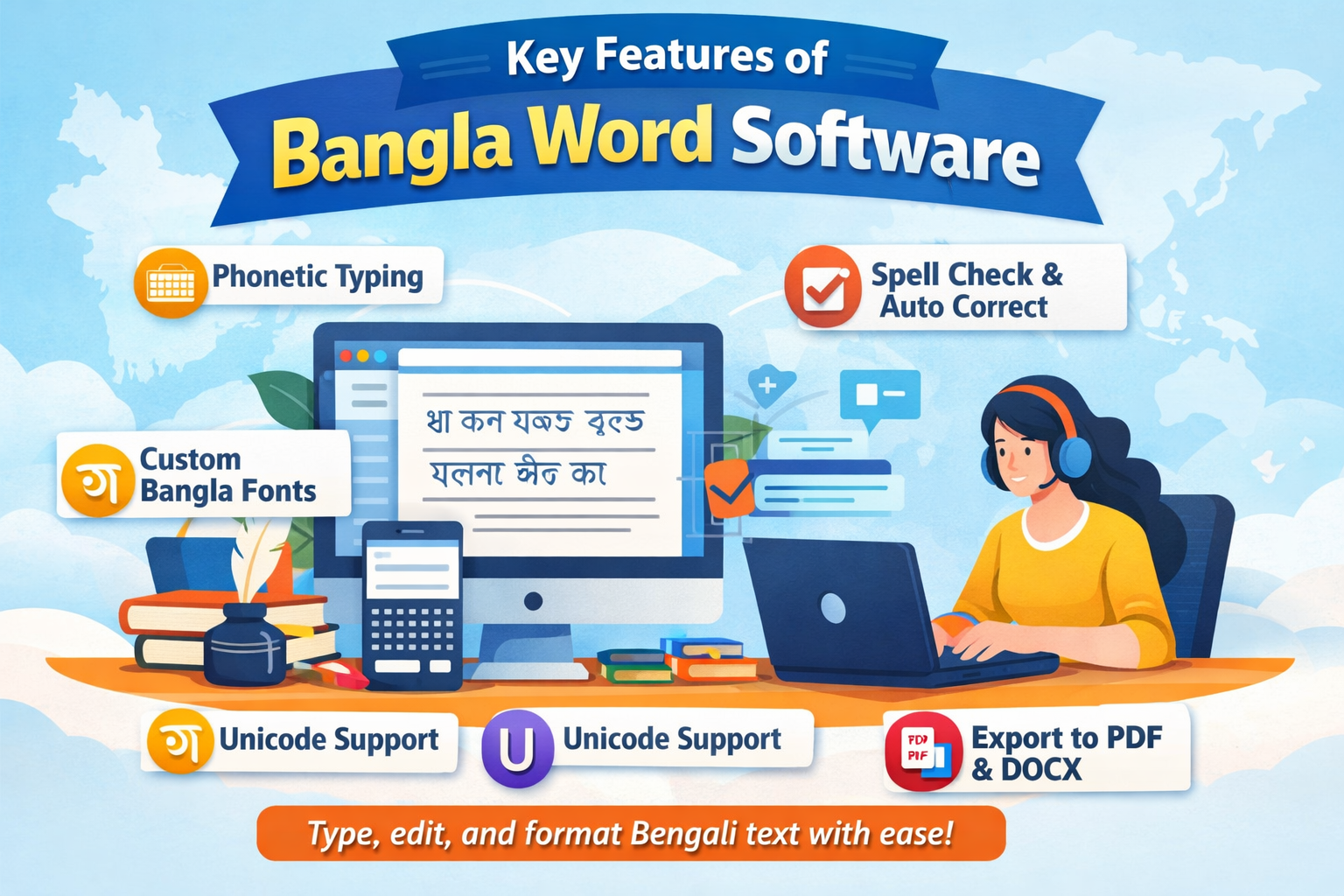
Bangla Word software is necessary for typing, editing, and controlling Bengali text easily. As the demand for Bangla digital content increases, this software enables students, writers, and professionals to communicate with one another. Bangla word software can be used to create documents, articles, or reports and guarantees perfect typing, adaptable formatting options, and straightforward integration across systems.
The software for modern Bangla typing and phonetic input includes a spell-check function and font customization. These tools save time and reduce errors, resulting in professional-quality content. This guide will cover the types, advantages, features, and tips for choosing the best typing software that suits your needs.
What is Bangla Word Software?
Bangla Word is a specialised software application for typing and editing Bengali text. It also has Bangla font, writing and keyboard templates, unlike regular word processors. Users can write documents, create reports, and write letters without a language barrier.
There are many versions that include spell check, predictive text, and formatting tools, making the process much faster. It is useful with students, bloggers, journalists, and office workers who need to create readable content with no mistakes. The modern Bangla word software is supported on desktop, mobile, and online platforms.
Why Use Bangla Word Software?
There are several benefits of using Bangla Word software. It will ensure proper typing, aid in maintaining correct grammar, and provide professional formatting for the document. Besides, it has a wide range of applications across Windows, Mac, Android, and iOS.
Bangla word software is time-saving and efficient for content creators, students, and office workers. It enables users to create readable, professional documents with minimal effort and errors.
Types of Bangla Word Software
There are many different types, based on the needs:
- Desktop Applications: Installed on Windows or Mac and used offline, they often include advanced features such as spell-check and Unicode support.
- Online Tools: Bangla typing software that can be typed without being installed, like Google Input Tools.
- Mobile Apps: Android and iOS applications support on-the-go typing, including phonetic typing and emojis.
- Transliteration Software: English letters are automatically converted to Bangla, enabling users to type faster without memorising a new keyboard.
The selection of the correct type is based on workflow, devices, and individual preference.
Comparison of Popular Bangla Word Software
| Software Name | Platform | Key Features | Price |
| Avro Keyboard | Windows, Mac | Free, Phonetic typing, Spell-check | Free |
| Bijoy Bayanno | Windows | Professional, Unicode support | Paid |
| Google Input Tools | Web, Chrome | Online typing, Transliteration | Free |
| Ridmik Keyboard | Android, iOS | Mobile-friendly, Emoji support | Free/Paid |
This table helps users compare features, platforms, and pricing to select the best software.
Features
These features should be considered when choosing software:
- Compatibility with Unicode will ensure the correct display on devices.
- Phonetic typing can be typed more quickly without memorising keyboards.
- Creative and professional fonts are available as customizable fonts.
- Grammar and spell check minimise errors.
- Export-supported formats are PDF, DOCX, and HTML.
Advantages
Many benefits are associated with using Bangla word software. It accelerates typing by entering in phonetics, minimises typing errors, and enables reports, essays, and letters to be professionally formatted.
It is also compatible with various platforms, making it easier to use on desktops, laptops, tablets, and phones. This software can make the lives of students, content creators, and office workers more productive and time-efficient.
Tips for Effective Use
To achieve maximum results of Bangla word software:
- Install new fonts and capabilities in the software.
- Type to be faster and more accurate.
- Have transliteration features to input faster.
- Enable spell-check to maintain document quality.
Create shortcuts of common words or phrases.
How to Choose the Right Bangla Word Software
The selection of software depends on your requirements. They are ease of use, compatibility, features, and budget. Novices tend to favour free phonetic keyboards such as Avro Keyboard. Experts may need such sophisticated functionality in commercial programs as Bijoy Bayanno. Troubleshooting should also be supported in reliable community forums.
Common Mistakes to Avoid
Bangla word processing software can lead to errors even for experienced users.
- The disregard of updates can restrain functionality.
- Official documents should be used with compatible fonts, as these may cause display problems.
- Unnecessary over-formatting of documents clutters them.
- Leaving files without backing up exposes one to data loss.
Preventing these common mistakes will lead to proper performance and typing.
Conclusion
Bangla word processing software is very useful for anyone who writes in Bengali. It enhances typing speed, accuracy, and document quality across students, writers, and the workforce. Typing becomes easier and more productive with the right software, feature trials, and practice. It is time to start with the use of Bangla word software in order to make your online writing work easier, as well as improve the quality of your content.
FAQs
What is Bangla word software?
Bangla word software enables typing, editing, and formatting Bengali text on computers and mobile devices.
What are the platforms that the Bangla word software supports?
It is portable across Windows, Mac, Android, iOS, and web browser applications.
Is Bangli word software free of charge?
There are free versions, such as Avro keyboard and Google Input Tools, whereas others, such as Bijoy Bayanno, are paid.
Spelling errors: Can Bangla word software assist?
Yes, most software has spell-check and predictive text to minimise mistakes.
What is the optimal Bangla word software?
When choosing software, consider ease of use, integration, features, cost, and support options.
